Test our extension
Run a test to route your traffic through a new location and verify it's working
YOUR CURRENT IP
- COUNTRY
- United States, Ohio, Columbus
- IP ADDRESS
- 216.73.217.95
- SPI
- Amazon.com, Inc.
Your IP will change on each click to prove the extension it's working
How to use the extension
Simple Setup. Global Solution
STEP 1
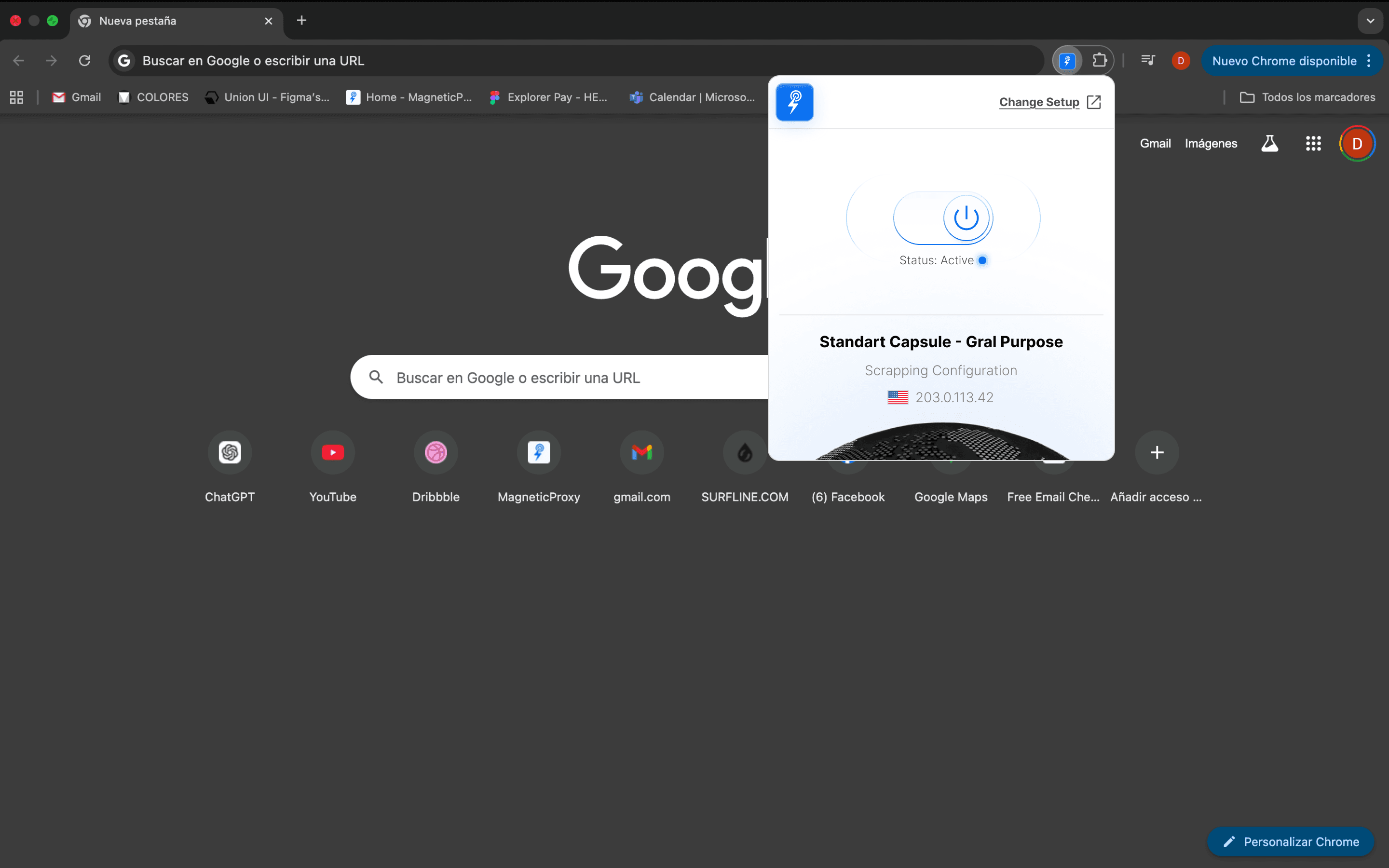
Open Extension
Open and start using the extension. Access it from the extensions toolbar and begin.
STEP 2
Turn it on
Open the extension and switch it on to start using it.
STEP 3
Run Test
Jump to a new location to change your IP. Each click assigns you a new location so you can verify it's working.
Don't have the extension yet?
Get the extension and install it in Chrome to start using it
Install ExtensionNeed step-by-step guidance? See the full install guide
What is Magnetic Proxy?
Magnetic Proxy is a provider of rotating residential proxies that lets you route your traffic through real IPs worldwide.
Explore platformUse our extension
Use our Chrome extension or integrate directly to test, verify, and run your traffic from different locations with full control.
Install Extension